Install on iPhone
Apple only allows apps from the App Store, unless you sign the app with your own Apple ID. Edunex Plus isn't on the App Store yet, so you install it from a laptop with a free tool called Sideloadly.
- About 10 minutes the first time
- An iPhone on iOS 16.4 or newer
- A Mac or Windows laptop
- Your iPhone's cable
- An Apple ID (free, a spare one works)
Repeat it every 7 days
An app signed with a free Apple ID stops opening after a week. Before then, plug the iPhone into the laptop and click Start in Sideloadly again. Your data and sign-in stay.
-
On the laptop, get the app and Sideloadly
Download the .ipa file with the button below, then install Sideloadly.
On Windows, also install iTunes and iCloud from Apple's website, not the Microsoft Store versions, so Sideloadly can see your iPhone.
Version 0.1.0-alpha.37
-
Plug the iPhone into the laptop
Plug the iPhone in with its cable and unlock it. If it asks Trust This Computer?, tap Trust.
-
Install it with Sideloadly
Open Sideloadly. Pick your iPhone, type your Apple ID, drag the .ipa file onto the window and click Start.
Type your Apple ID password when it asks, then the code Apple sends if there is one. Your password goes only to Apple.
-
Turn on Developer Mode on the iPhone
Open Settings › Privacy & Security › Developer Mode and turn it on.
The iPhone restarts, then asks you to confirm. Tap Turn On.
-
Trust your Apple ID
Open Settings › General › VPN & Device Management. Tap your Apple ID, then Trust.
-
Sign in with your ITB account
Open Edunex Plus and tap Sign in with your ITB account. ITB's Microsoft page opens, the same one you see when you sign in to Edunex.
Just once. Edunex and SIX both connect from that one sign-in, and your password never reaches Edunex Plus.
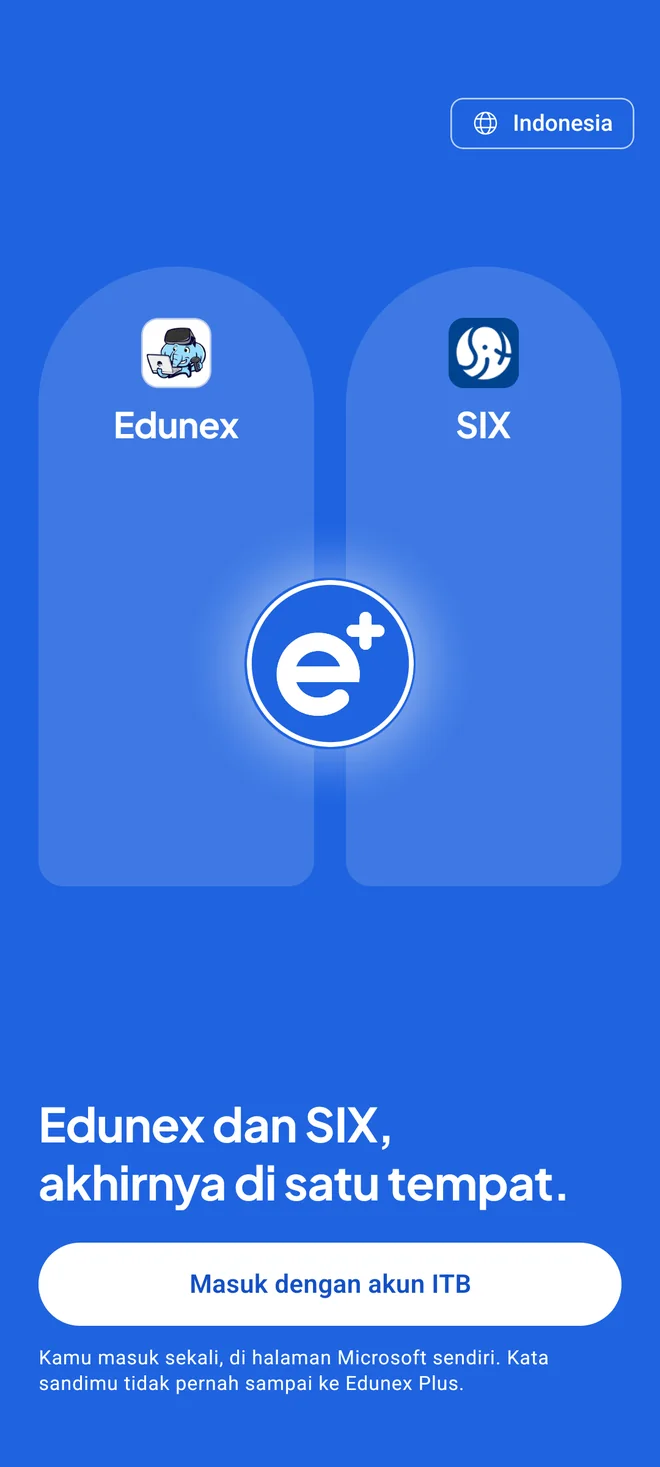
Pictures are drawings. Your device may look a little different.
If something goes wrong
Sideloadly can't see my iPhone
Make sure the iPhone is unlocked and you tapped Trust. On Windows, install iTunes and iCloud from Apple's website, then open Sideloadly again.
Developer Mode isn't in Settings
It only shows after Sideloadly has finished installing the app. Do step 3 again, then look once more.
The app won't open after a week
A free Apple ID's signature lasts 7 days. Plug the iPhone in and click Start in Sideloadly again, with the same .ipa file or a newer one.