Install on Android
Edunex Plus isn't on the Play Store yet, so it comes as one APK file. You download it, tap it, and install.
- About 2 minutes
- An Android phone on Android 8 or newer
-
Download the file on your phone
Open this page on your phone and tap the button below.
If the browser asks whether to keep the file, choose Download anyway.
Version 0.1.0-alpha.37
-
Open the file you downloaded
Tap Open on the download notice. If it's gone, open the Files app, then Downloads.
-
Let your browser install apps
Android asks first, because the file isn't from the Play Store. Tap Settings, turn on Allow from this source, then go back.
This only covers the browser you're using, and you can turn it off again afterwards.
-
Tap Install
Tap Install.
If Play Protect says it doesn't know the app, tap More details, then Install anyway. It warns because the app isn't from the Play Store, not because it found something.
-
Sign in with your ITB account
Open Edunex Plus and tap Sign in with your ITB account. ITB's Microsoft page opens, the same one you see when you sign in to Edunex.
Just once. Edunex and SIX both connect from that one sign-in, and your password never reaches Edunex Plus.
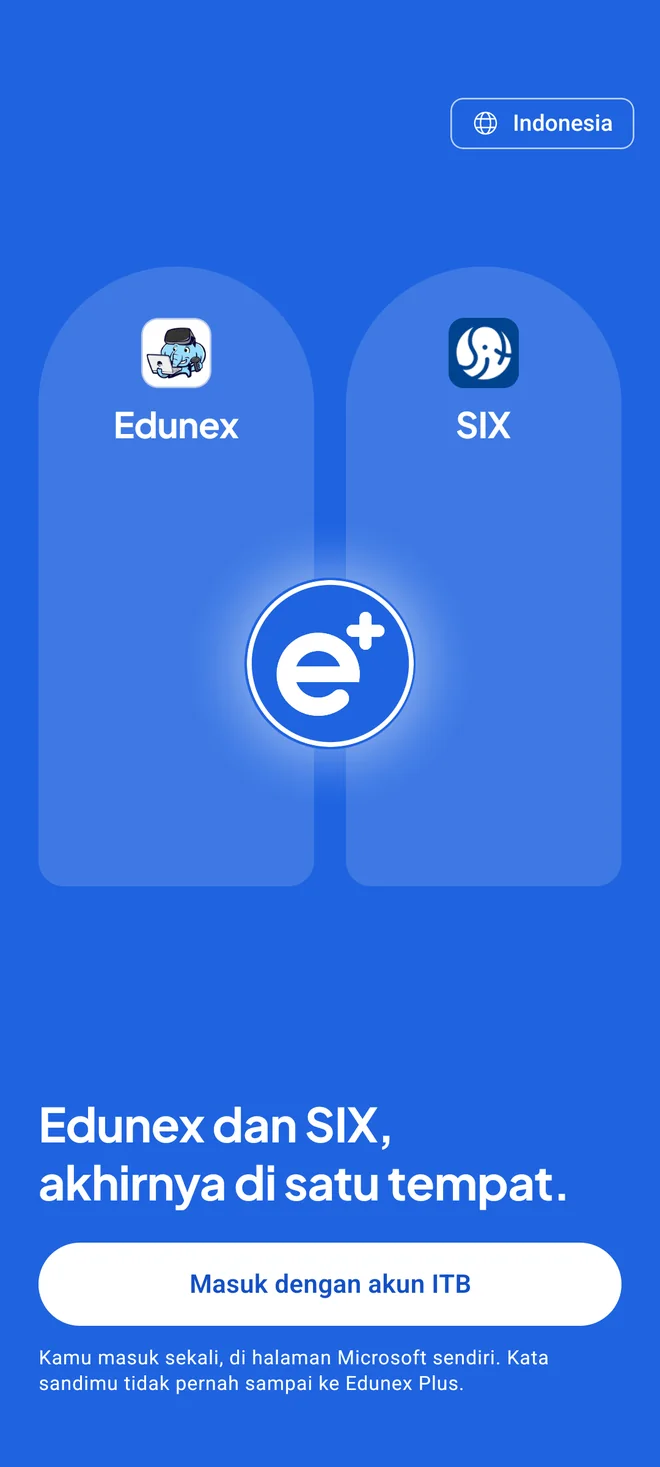
Pictures are drawings. Your device may look a little different.
If something goes wrong
It says “App not installed”
Usually an old test copy is still on your phone. Uninstall the old Edunex Plus first, then install again.
I can't find the file
Open the Files or My Files app, then Downloads. Its name starts with Edunex-Plus and ends in .apk.
The Install button won't press
Close any app that draws over the screen, such as a blue-light filter or chat bubbles, then try again.